
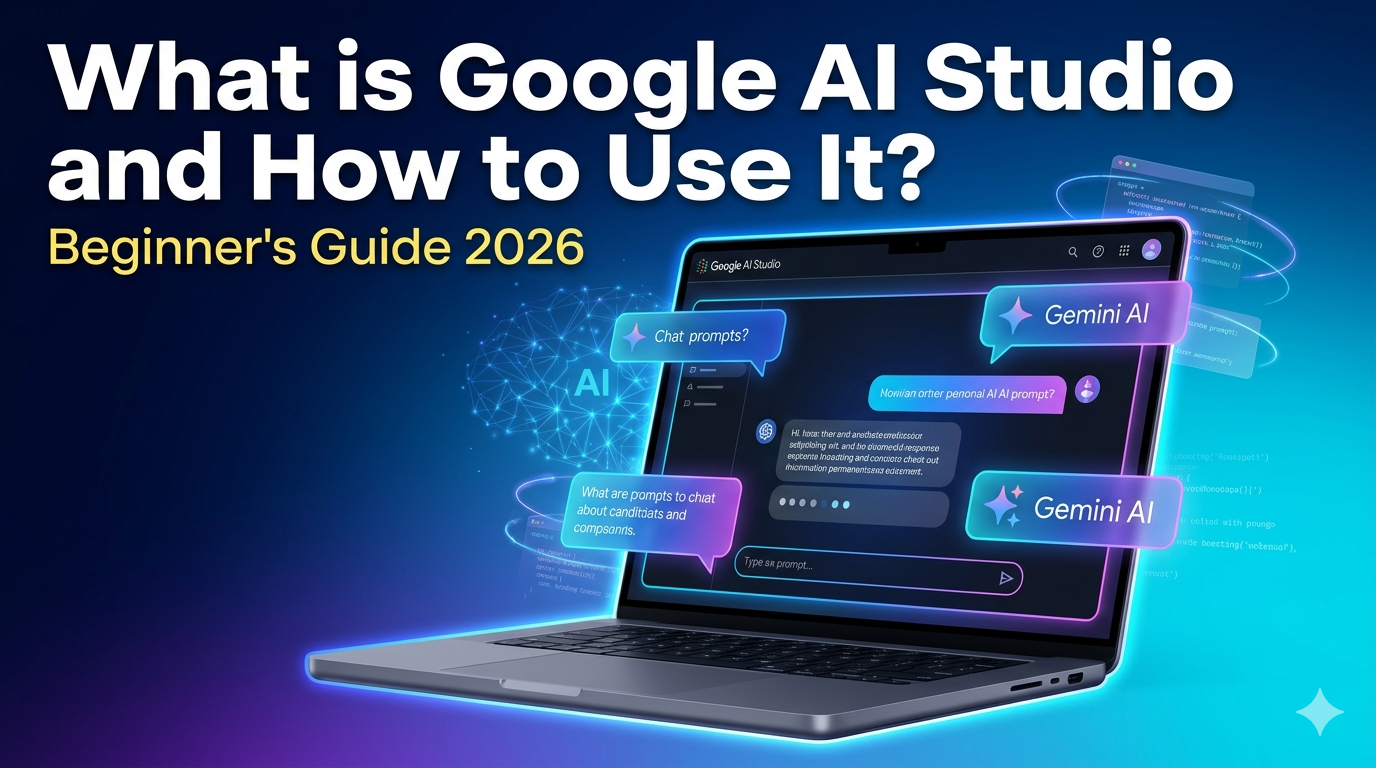
Discover what Google AI Studio is and how to use it in 2026. Free Gemini prototyping, app building, and media generation—step-by-step guide for beginners.
Ever wondered how to build AI apps without coding headaches? Google AI Studio is your free browser-based playground for Gemini models, letting anyone prototype chatbots, apps, and media generators in minutes.
AI is Changing the Way People Earn — Are You Ready?
Introduction to Google AI Studio
What is Google AI Studio and how to use it? This Google platform lets developers and beginners experiment with advanced Gemini AI models directly in the browser—no setup, no API keys required upfront. Launched as a rapid-prototyping tool, it skips boilerplate code, so you can jump straight to testing prompts and building apps.
Sign in at aistudio.google.com with any Google account. The interface splits into Chat (prompt testing), Build (app creation), Stream (voice/video), and media tools for images/videos. What is Google AI Studio and how to use it starts with picking a mode: Chat for quick tests, Build for full prototypes.
Top 7 AI Tools for Developers in 2026
What is Google AI Studio, and how does it fit into a booming ecosystem? Here are the top AI tools every developer should know, compared for real-world use.
These tools boost productivity—Copilot cuts API dev time from 25 to 8 minutes. What is Google AI Studio, and how to use it stands out for zero-install access.
What is Google AI Studio: Core Features
What Google AI Studio is, and how to use it, breaks down to three modes. Chat/Playground tests prompts instantly—type “Write a blog on AI ethics” and refine with follow-ups.
Build mode turns natural language into React apps. Prompt: “Create a sentiment analyser for feedback.” It generates UI, logic, and the Gemini backend automatically. Tweak via “vibe code” edits without deep programming.
Stream mode handles voice/video inputs for real-time apps like virtual assistants. Media tools generate images (Imagen), videos (Veo), or audio from text prompts—perfect for content creators.
Safety features block harmful outputs, and the free tier offers generous limits before API scaling.
What Are AI Automation Tools? A Complete Beginner’s Guide
Step-by-Step: How to Use Google AI Studio
Ready to dive in? What is Google AI Studio, and how to use it is dead simple—follow these steps.
-
Access and Login: Go to aistudio.google.com, sign in. No credit card, runs in-browser.
-
Pick a Mode: Home screen cards link to Chat, Build, or Playground. Start with Chat for prompt tests.
-
Test Prompts: In Chat, select Gemini 2.0 Flash. Enter: “Explain quantum computing simply.” Hit send, iterate with “Add examples.”
-
Build an App: Switch to Build. Prompt: “Fitness tracker app with goal setting.” Edit UI elements, test live.
-
Generate Media: Use Imagen 3 for images (“Futuristic cityscape”), Veo 3 for videos (“Dancing robot”).
-
Export and Deploy: Get API keys from the sidebar, integrate with Vertex AI or export code.
-
Manage Projects: Dashboard tracks prompts/apps; tune models for safety/performance.
Pro tip: Use structured prompts like “Role: Expert. Task: Analyse X. Output: JSON” for precise results.
The Best AI Tool for PPT: Elevate Your Presentations in 2026
How to Choose the Right AI Tool
What is Google AI Studio and how to use it? Ask: Do you need no-code speed or deep integration? Google AI Studio wins for beginners—free, browser-only, Gemini-powered. Copilot suits coders in IDEs; Cursor for AI-first editing.
Compare needs:
-
Prototyping: Google AI Studio (zero setup).
-
Coding Boost: GitHub Copilot (context-aware).
-
Scale: Check pricing—free tiers abound, but enterprise needs Vertex AI.
Test 2-3 tools. Blind spot: Over-relying on one ignores hybrids like AI Studio + Copilot workflows.
Future of AI Art and Prototyping
What is Google AI Studio and how to use it evolves fast into “vibe-to-app” creation. By 2027, expect seamless Veo 4 videos and real-time multiplayer builds. AI art shifts from static images to interactive worlds—prompt “Evolving forest ecosystem” for dynamic videos.
Integration with Android/Chrome OS will make it ubiquitous. Challenge: Ethical prompts prevent deepfakes; Google’s safeguards lead here. Developers, master it now—it’s the gateway to agentic AI.
Conclusion and Final Recommendation
What is Google AI Studio and how to use it? Start today at aistudio.google.com—it’s the fastest path to AI mastery without code barriers. Pair with Copilot for pro workflows. Don’t sleep on it; 2026 demands AI fluency.