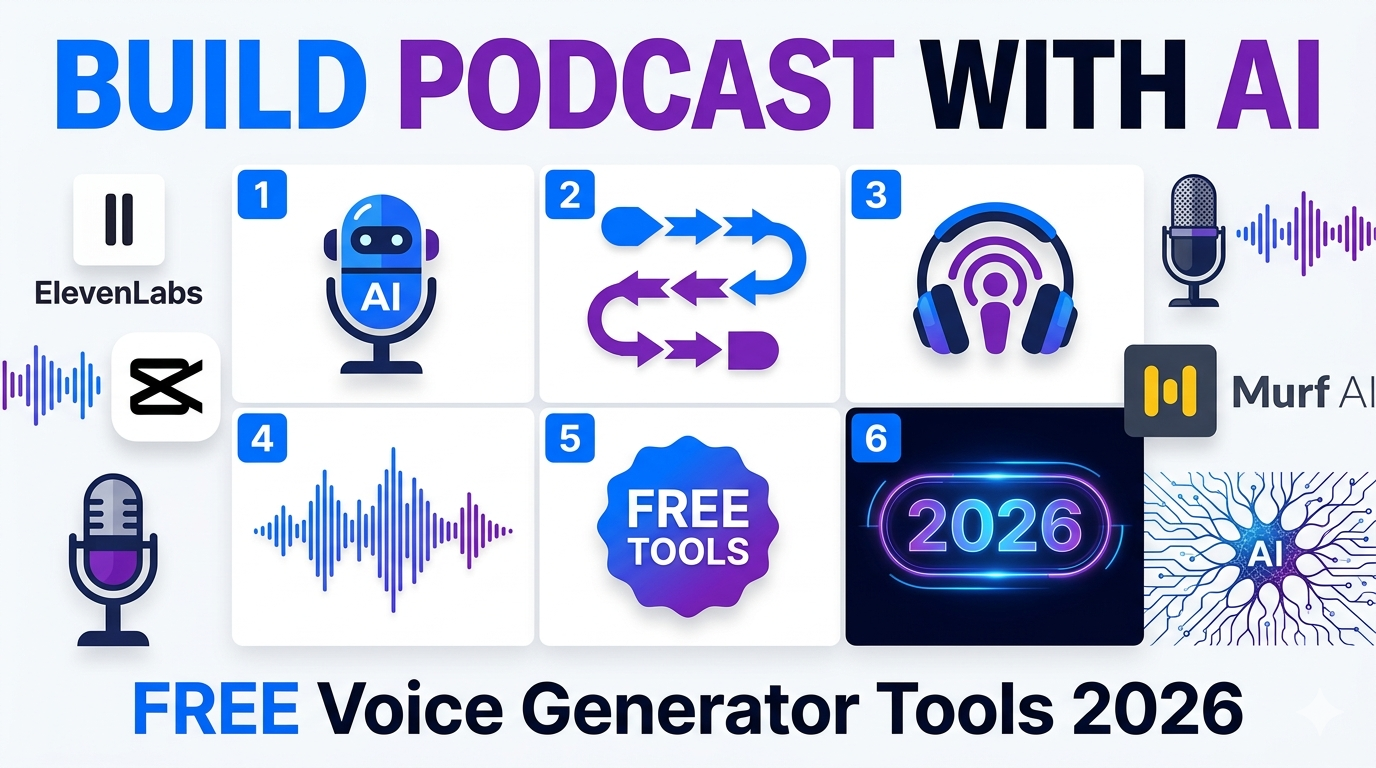
Learn how to build a podcast with an AI voice generator in 2026. Discover the top 7 free AI voice tools, a step-by-step guide, and beginner tips to create professional podcasts without a studio.
Creating a professional podcast used to require expensive microphones, soundproof studios, and hours of editing. How to Build a Podcast with AI Voice Generator is now the question every creator asks—and the answer is simpler than ever. In 2026, AI voice technology has matured to produce hyper-realistic, human-like narration that sounds indistinguishable from real hosts. You can go from idea to published episode in under 15 minutes.
This guide walks you through the exact steps, reveals the top free tools, and shows you how to choose the right AI voice generator for your podcast.
Introduction: How to Build a Podcast with an AI Voice Generator
AI podcast generation uses large language models and Text-to-Speech (TTS) technology to research, write scripts, and narrate complete podcast episodes. The process involves three core stages:
-
Research & Outline – AI researches your topic using real-time web data and generates a structured outline
-
Script Writing – A language model writes a conversational script based on the outline
-
Audio Synthesis – TTS models narrate the script with realistic voices, including emotion and pacing
You no longer need a recording studio. Just a script, the right AI voice generator, and this guide.
Top 7 Free AI Voice Generators for Podcasts in 2026
Here are the best free AI Voice Generator tools perfect for building podcasts:
Quick Recommendations:
-
Best overall free tool: CapCut (unlimited free TTS + video integration)
-
Best voice realism: ElevenLabs (most human-like voices)
-
Best for beginners: Speechify or FineVoice (easiest interface)
How to Choose: A Beginner’s Guide to Picking the Right AI Voice Tool
Choosing the right tool can make or break your podcast. Use this 4-step framework:
1. Define Your Needs
-
Content type: Educational, entertainment, news, or storytelling?
-
Voice style: Warm, authoritative, casual, or energetic?
-
Language/Accent: Do you need specific regional accents or multi-language support?
2. Test Voice Quality
Grab a short paragraph from your script and test it across 2–3 tools. Listen for:
-
Natural pacing and breath patterns
-
Clear pronunciation of technical terms
-
Emotional tone matching your content
3. Check Free Tier Limits
4. Evaluate Ease of Use
-
User Interface should be intuitive (all tools on one screen)
-
Prompt customisation for voice persona (e.g., “energetic host”)
-
Speed adjustment for excitement or calm tones
Pro tip: Don’t start with complex APIs. Use a tool like Kukarella or CapCut where everything’s on one screen—you’ll get 95% of the quality with 10% of the headache.
The Best AI Tool for PPT: Elevate Your Presentations in 2026
Step-by-Step: How to Build a Podcast with an AI Voice Generator
Follow this exact workflow to create your first AI podcast:
Step 1: Choose Your Topic
Start specific. Instead of “technology news,” try “how quantum computing will change cybersecurity in 2026”.
Step 2: Write or Generate Your Script
-
Write for spoken clarity—use short sentences and contractions
-
Or use AI to generate from a URL/document
Step 3: Select Your Voice
Browse the Voice Library and pick a voice matching your content style:
-
Warm/approachable for instructional content
-
Formal/authoritative for corporate content
Step 4: Generate Audio
-
Paste the script into the TTS editor
-
Assign different voices for multi-host podcasts
-
Adjust pacing, tone, and pitch
Step 5: Add Music & Edit
-
Add background music (CapCut, Descript, or Auphonic)
-
Use noise reduction for clean audio
Step 6: Export & Publish
-
Download in MP3 format
-
Upload to Spotify, Apple Podcasts, and YouTube
-
Add show notes and timestamps for engagement
Future of AI Voice in Podcasting
AI voice technology is evolving rapidly. In 2026, we’re seeing:
-
Real-time multi-speaker podcasts with distinct personalities
-
Voice cloning for branded narrator identities
-
Emotional AI that adapts tone based on script sentiment
-
API integration for automated podcast production at scale
The barrier to entry is dropping. Soon, anyone can produce weekly podcast episodes without recording a single word.
Conclusion: Final Recommendation
How to Build a Podcast with an AI Voice Generator in 2026 is straightforward: pick ElevenLabs for ultimate realism or CapCut for unlimited free usage with video integration.
For beginners, start with CapCut or Speechify—they offer the best balance of quality and ease of use. Test voices with your actual script, adjust pacing and tone, and publish within hours, not weeks.
The future belongs to creators who automate production while maintaining quality. AI voice generators aren’t replacing podcasters—they’re empowering more people to tell their stories.
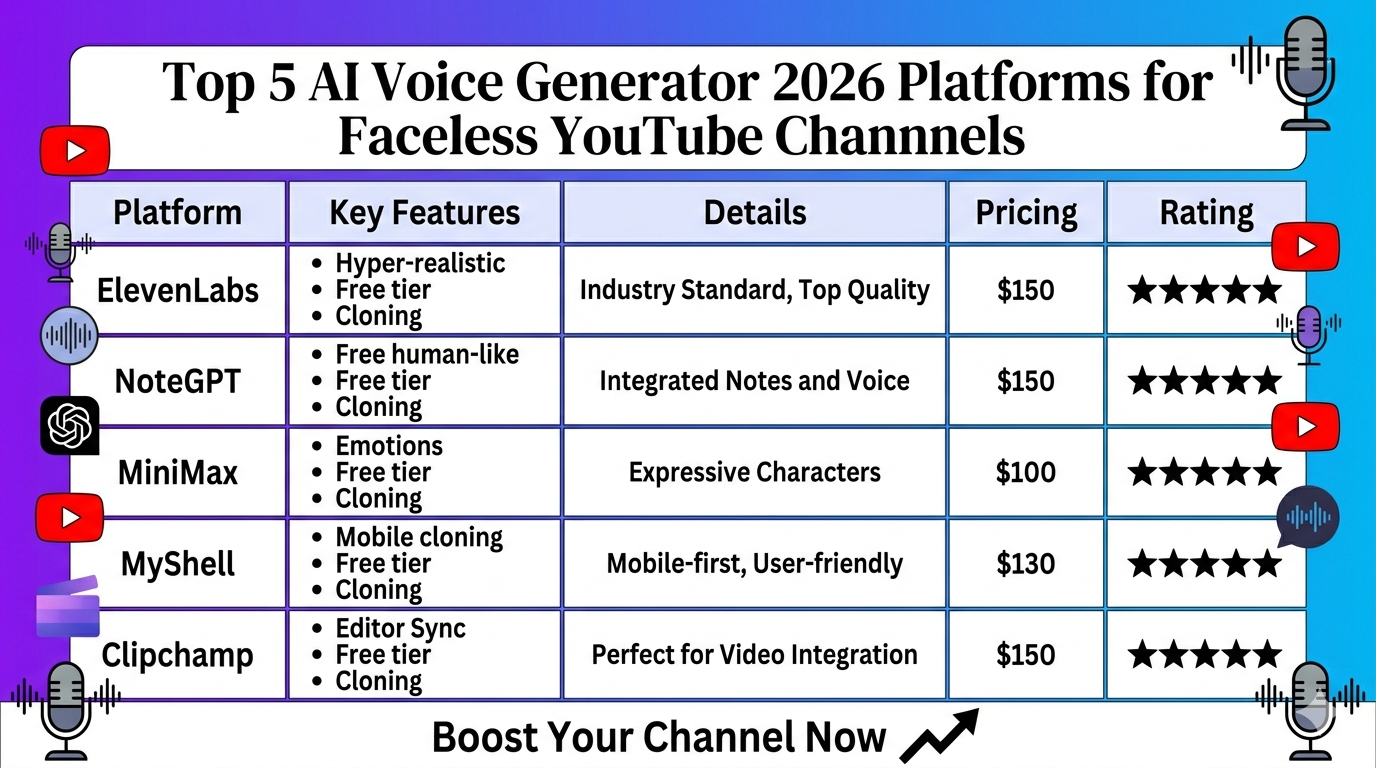
Top 5 AI Voice Generator 2026 Platforms for Faceless YouTube Channels