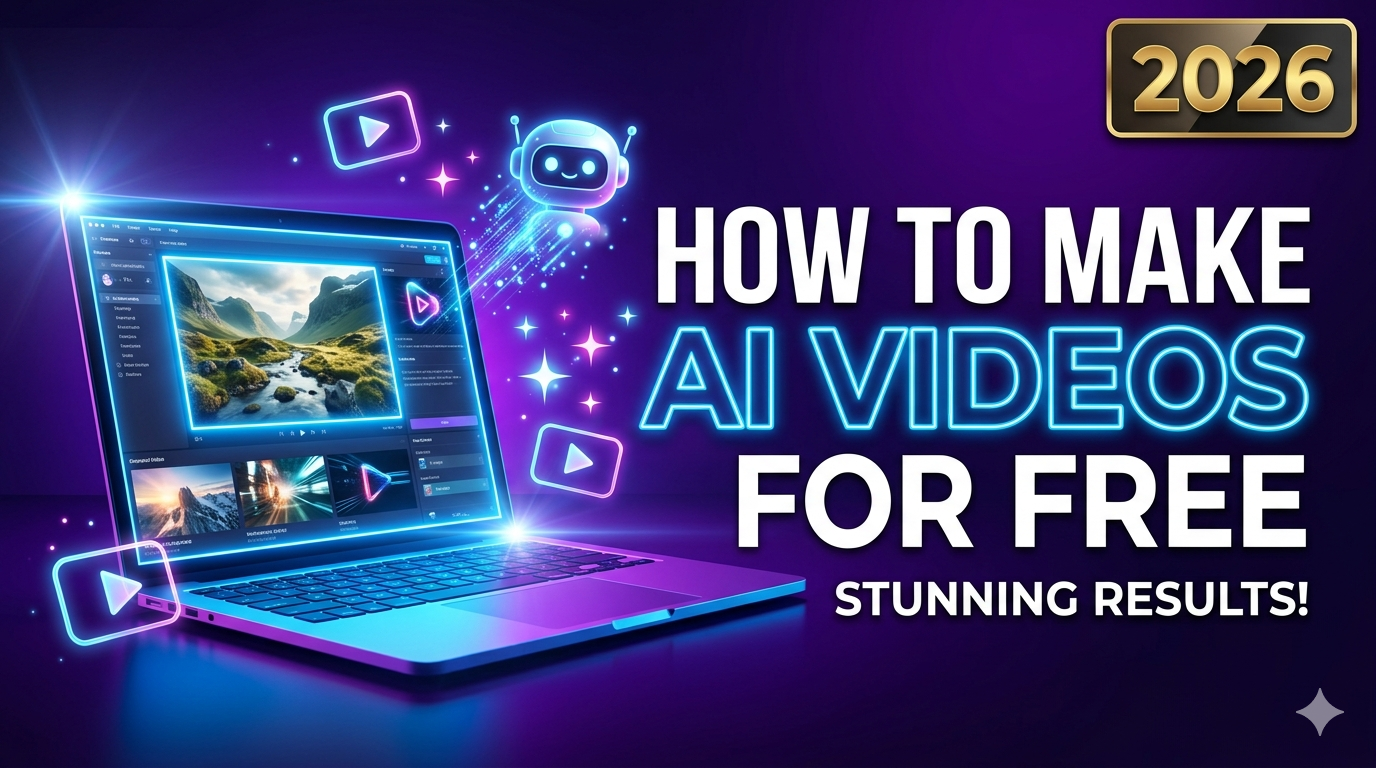
Learn how to make AI videos for free in 2026 with the top 7 free AI video generators. Step-by-step guide, tool comparisons, and beginner tips for creating professional videos without paying. No watermark options included.
Want to create professional-looking videos without spending a dime? How to make AI videos for free is one of the most searched questions by content creators in 2026, and for good reason. AI video generators now let anyone turn text prompts into stunning videos in minutes—no editing skills required.
In this guide, you’ll discover the top free AI video tools, step-by-step instructions, and exactly how to get started without paying a single rupee.
Top 7 Free AI Video Tools in 2026
Not all “free” AI video tools are created equal. Some add watermarks, others limit exports, and a few are genuinely free with no catch. Here are the best free AI video generators tested for 2026:
1. Meta AI (Best Overall – No Watermark)
-
Free features: Text-to-video and image-to-video
-
Limits: No visible watermark, no subscription required
-
Resolution: Up to 1080p
-
Best for: Social media content, quick clips, storytelling
Meta AI is currently the best free AI video generator in 2026 with no watermark and no limits. You can generate videos in one click using simple text prompts.
2. Google Vids (Best for Google Workspace Users)
-
Free features: 10 video generations per month using Veo 3.1
-
Limits: 10 free clips monthly, no watermark on personal accounts
-
Resolution: High-quality output
-
Best for: Tutorials, presentations, YouTube content
Google Vids quietly unlocked free Veo 3.1 access in April 2026, giving anyone with a Google account 10 free video generations monthly.
3. InVideo AI (Best for Full Videos with Scripts)
-
Free features: 2 AI minutes per week, 4 exports per week
-
Limits: Watermark on free plan exports
-
Resolution: 1080p (paid plan removes watermark)
-
Best for: YouTube videos, explainer content, marketing
InVideo AI generates scripts, adds clips, subtitles, music, and transitions automatically from your text prompt.
4. Canva AI Video Generator (Best for Design Beginners)
-
Free features: AI text-to-video clips
-
Limits: 5 AI videos per calendar month, watermark on some exports
-
Resolution: Boost to higher resolution requires a Pro subscription
-
Best for: Social media posts, thumbnails, quick ads
Canva’s AI video generator lets you instantly create AI-generated videos from text prompts with synchronised audio.
5. Luma Dream Machine (Best for Cinematic Quality)
-
Free features: ~80 credits per day (≈1 short video per 24 hours)
-
Limits: 720p only, silent videos, visible watermark, personal use only
-
Resolution: 720p (1080p/4K on paid plans)
-
Best for: Cinematic clips, B-roll, creative projects
Luma Dream Machine’s free tier gives you roughly 80 credits daily, enough for one short 720p video every 24 hours.
6. Pika Labs (Best for Short Creative Clips)
-
Free features: 80 monthly video credits
-
Limits: 480p only on free plan, permanent watermark
-
Resolution: 480p (higher on paid plans)
-
Best for: Short creative clips, memes, social content
Pika Labs is surprisingly good for short creative clips—fast and fun, though consistency drops on longer scenes.
7. Adobe Firefly AI Video Generator (Best for Adobe Users)
-
Free features: Text-to-video for B-roll and special effects
-
Limits: Credit-based system, limited free credits
-
Resolution: Variable based on credits
-
Best for: B-roll, special effects, Adobe workflow integration
Adobe Firefly’s AI video generator is perfect for creating B-roll, special effects, and more using text prompts.
What Is an AI Chatbot? A Complete Beginner’s Guide to AI Chatbots

How to Make AI Videos for Free: Step-by-Step Guide
Follow these simple steps to create your first AI video:
Step 1: Choose Your Tool
Pick from the list above based on your needs:
-
No watermark? → Meta AI or Google Vids
-
Full video with script? → InVideo AI
-
Cinematic quality? → Luma Dream Machine
Step 2: Write a Strong Prompt
Your Prompt is the most important part. Be specific:
-
❌ Bad: “A cat”
-
✅ Good: “A fluffy orange cat jumping over a fence in golden hour sunlight, cinematic 4K, slow motion”
Step 3: Select Settings
Configure these parameters in the User Interface:
-
Resolution: 720p, 1080p, or 4K (depends on tool)
-
Duration: 5–60 seconds, typically
-
Aspect Ratio: 16:9 (YouTube), 9:16 (Reels/Shorts), 1:1 (Instagram)
Step 4: Generate and Edit
Click “Generate” and wait 30–60 seconds. Most tools let you:
-
Delete scenes
-
Change voiceover or accent
-
Add transitions and music
Step 5: Export and Share
Download your video and upload it to YouTube, Instagram, or TikTok.
How to Choose the Right AI Video Tool (Beginner’s Guide)
Not sure which tool to pick? Use this quick decision matrix:
Key factors to consider:
-
Watermark: Does the free plan add a visible watermark?
-
Resolution: Is 720p enough, or do you need 1080p/4K?
-
Credits/Limits: How many videos can you make per day/month?
-
Commercial Use: Can you monetise the video? (Many free tiers are personal-use only)
Future of AI Art and Video
AI video generation is evolving rapidly. In 2026, we’re seeing:
-
Longer videos: From 5 seconds to several minutes
-
Better realism: Models like Veo 3.1 and Gen-3 Alpha produce near-human quality
-
Audio integration: AI-generated voiceovers and music in one pass
-
Camera control: Professional pans, zooms, and tracking shots via prompts
Experts predict that by 2027, free AI video tools will handle full-length documentaries, courses, and films—with minimal human editing.
Conclusion: Start Making AI Videos Today
How to make AI videos for free is no longer a question of if but which tool to use. For beginners, Meta AI is the best starting point—completely free, no watermark, and no subscription required. If you need full YouTube videos with scripts, InVideo AI is your best bet despite the watermark.
Final recommendation: Start with Meta AI or Google Vids for watermark-free videos. Once you outgrow their limits, upgrade to the paid plans of InVideo AI or Luma Dream Machine.
The barrier to video creation has never been lower. Your only limit is your Prompt—so start generating today.
Beyond the Prompt: Why 2026 is the Year of the Autonomous AI Agent