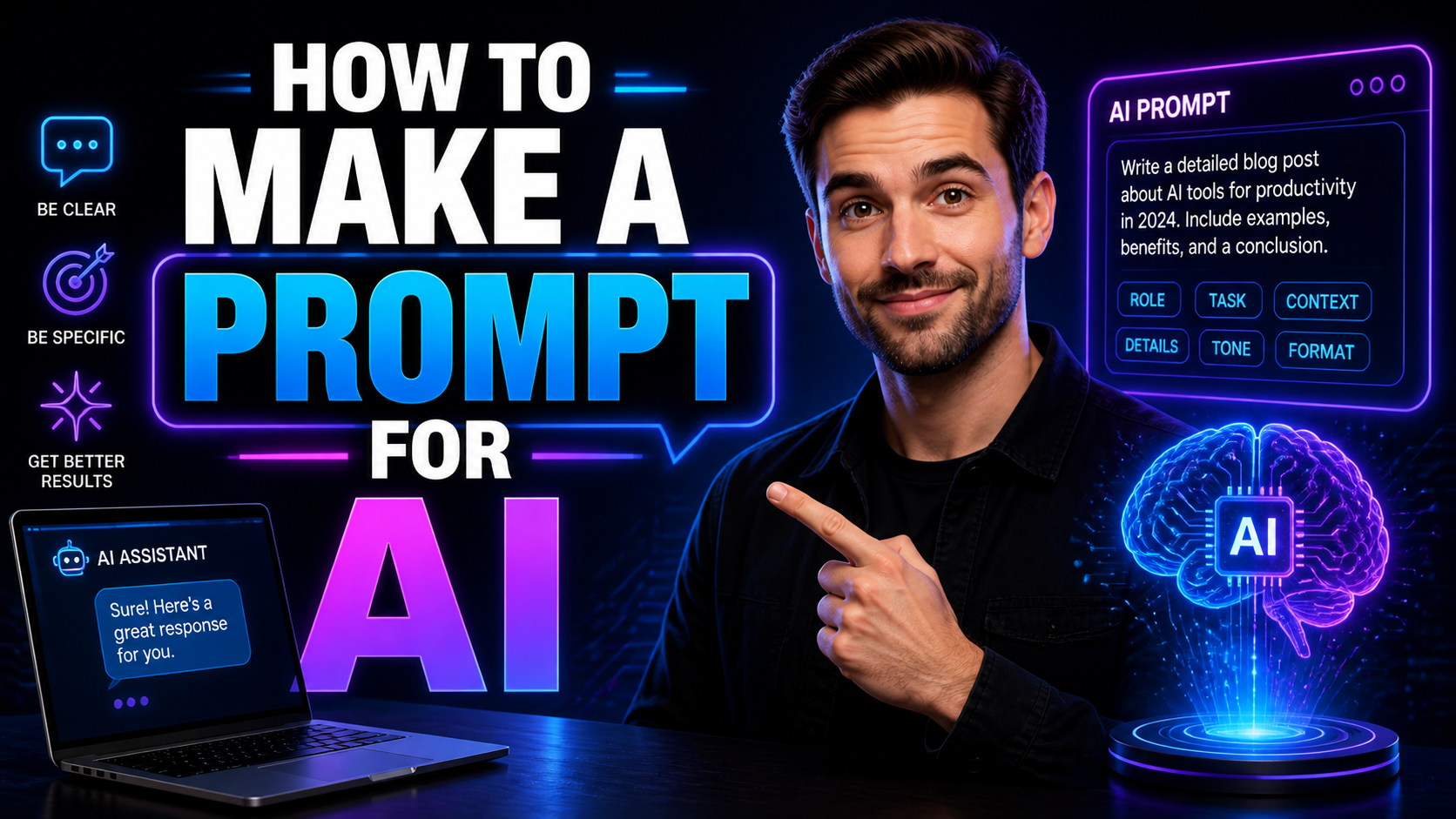
Learn how to make a prompt for AI with simple steps, prompt templates, top AI tools, beginner tips, and a clear guide for better results.
Introduction: How to make a prompt for AI
A good prompt is the difference between vague, generic output and a focused, useful AI result. Learning how to make a prompt for AI means learning how to give a clear role, context, and constraints so the model produces better answers.
Top 5–7 AI Tools
-
ChatGPT — Strong general-purpose tool for writing, brainstorming, and coding.
-
Claude — Good for long-form reasoning and conversational writing.
-
Gemini — Useful for multimodal tasks and Google ecosystem users.
-
Midjourney — Best for creative AI images and art prompts.
-
DALL·E — Good for image generation from detailed text prompts.
-
Stable Diffusion — Flexible for users who want control over image generation.
-
Jasper AI — Helpful for marketing and SEO content workflows.
How to Make a Prompt for AI
If you want reliable output, do not write lazy prompts. Be specific. The more context you give, the better the AI performs.
Step 1: Define the Role
Tell the AI who it should act as.
Example:
-
“Act as an SEO content writer and tech expert.”
Step 2: Give a Clear Context
Explain what the task is and why you need it.
Example:
-
“Write a blog article for beginners about how to make a prompt for AI.”
Step 3: Set the Goal
State exactly what you want the AI to produce.
Example:
-
“Create a 1000-word article that teaches beginners how to write effective prompts.”
Step 4: Add Constraints
Limit the response so it stays useful.
Use details like:
-
Word count.
-
Tone.
-
Format.
-
Keywords.
-
Headings.
Step 5: Use Structure
A structured prompt gives better results.
Ask for:
-
H1 title.
-
H2 sections.
-
H3 sub-sections.
-
Bullet points.
-
Meta description.
Step 6: Give Examples
If possible, show the AI the style you want.
Example:
-
“Write in simple, conversational English.”
-
“Keep technical terms like Prompt, Resolution, and User Interface in English.”
Step 7: Refine and Improve
The first result is rarely perfect. Fix the prompt and run it again.
How to Make AI Videos for Free: The Complete 2026 Guide for Beginners
Practical Prompt Template
Use this format:
-
Role: You are an SEO content writer and tech expert.
-
Task: Write a 1000-word blog article on how to make a prompt for AI.
-
Audience: Beginners.
-
Tone: Informative, engaging, and professional.
-
Format: Use H1, H2, and H3 tags with bullet points.
-
SEO: Include the keyword how to make a prompt for AI naturally.
-
Extras: Add a meta description at the end.
How to Choose the Right Tool
A beginner should not pick a tool randomly. Choose based on the job.
For Writing
Use tools like ChatGPT, Claude, or Gemini if you need:
-
Blog posts.
-
Emails.
-
Summaries.
-
SEO content.
For Images
Use Midjourney, DALL·E, or Stable Diffusion if you need:
-
AI art.
-
Product mockups.
-
Social media visuals.
For Marketing
Use Jasper AI if you want:
-
SEO templates.
-
Ad copy.
-
Content workflows.
What to Check
Before choosing, look at:
-
User Interface.
-
Output quality.
-
Pricing.
-
Speed.
-
Image Resolution for visual tools.
-
Integration with your workflow.
-
Beyond the Prompt: Why 2026 is the Year of the Autonomous AI Agent
Future of AI Art
AI art is moving toward more control, better quality, and faster workflows. Soon, prompts will become more detailed and more visual, with stronger control over style, composition, and Resolution.
Human creators will still matter. AI can generate ideas fast, but humans will decide what looks good, what fits the brand, and what feels original.
Common Mistakes to Avoid
-
Writing vague prompts.
-
Asking too many things at once.
-
Forgetting to mention the audience.
-
Ignoring tone and format.
-
Not refining the prompt after the first output.
-
What Is an AI Chatbot? A Complete Beginner’s Guide to AI Chatbots
Conclusion: Final Recommendation
If you want to learn how to make a prompt for AI, start with clarity, structure, and specific instructions. Do not overcomplicate it. A strong prompt includes the role, goal, audience, format, and constraints.
For beginners, the best approach is to use a simple template, test it, and improve it step by step. If your goal is writing, start with a text AI tool. If your goal is visuals, use an image AI tool. That is the practical way to get better results.
Best AI Thumbnail Maker for YouTube Free: Top Tools, Beginner Guide
Building design Instagram page: click here –Link