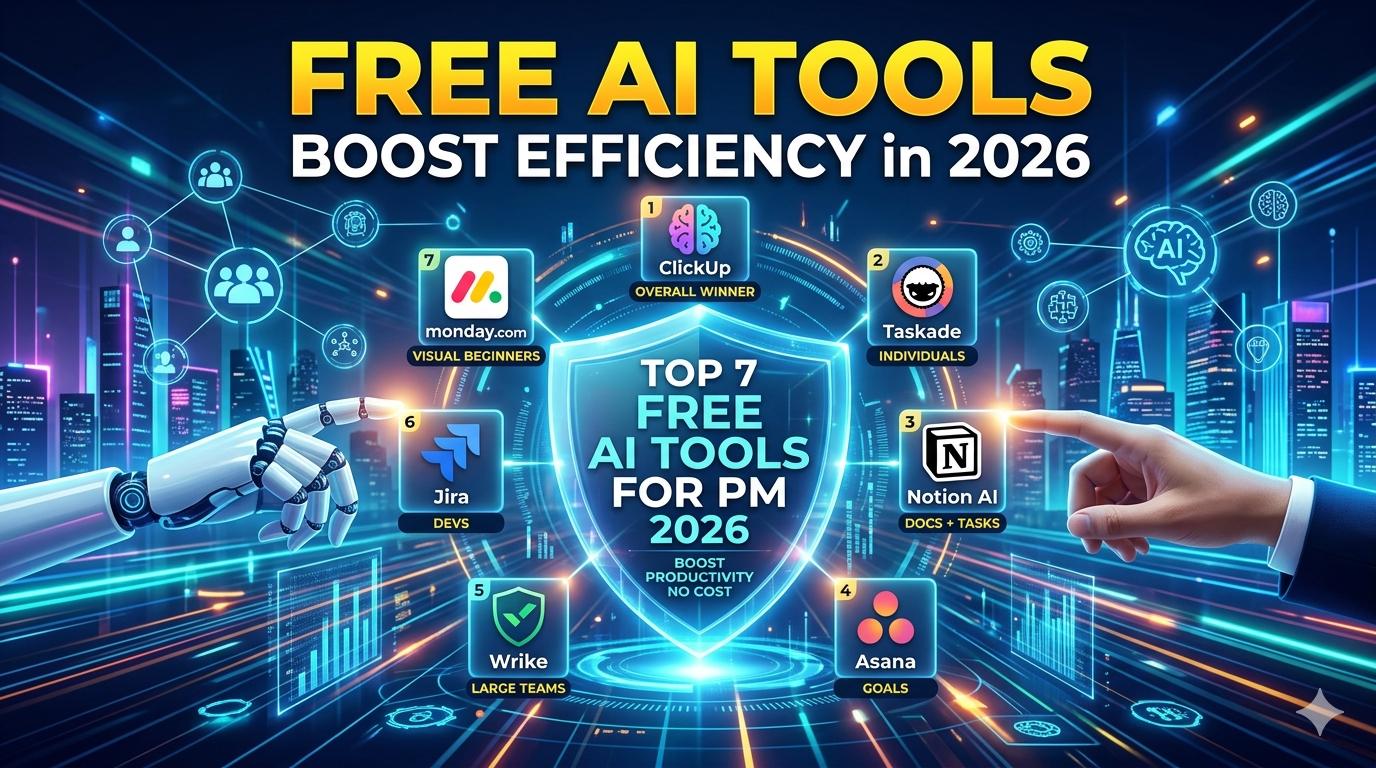
Discover top free AI tools for project management in 2026, like ClickUp, Taskade & Notion. Automate tasks, boost productivity—no cost. Beginner guide included!
Struggling to juggle tasks, deadlines, and teams without breaking the bank? Free AI tools for project management are game-changers, automating workflows and slashing manual work so you focus on what matters.
Introduction: Free AI Tools for Project Management
Project management often feels like herding cats—endless emails, missed deadlines, and chaos. Free AI tools for project management change that by using smart automation for task assignment, progress tracking, and risk prediction. These tools leverage AI to analyse data, suggest optimisations, and even generate reports, making them ideal for freelancers, small teams, or startups in places like Kolhapur, testing lean operations. No more spreadsheets; get pro-level control without paying a dime.
Top 7 Free AI Tools for Project Management
Here are the top free AI tools for project management, selected for robust features, user limits, and real AI smarts like auto-scheduling and natural language queries. Each offers a solid free tier in 2026.
1. ClickUp
ClickUp tops free AI tools for project management with ClickUp Brain, an AI that summarises threads, predicts delays, and automates tasks via prompts like “reschedule overdue items.” Unlimited users on the free plan, plus Kanban boards, Gantt charts, and 100+ templates. Perfect for scaling teams without limits.
2. Taskade
Taskade shines as the best free AI project management tool for individuals, with AI agents building mind maps, Kanban boards, and agendas from simple inputs. Free plan includes unlimited projects, real-time collab, and workflow automation—ideal for remote solopreneurs ditching sticky notes.
3. Notion AI
Notion blends notes, databases, and AI for free project management magic. AI auto-generates task lists, summarises docs, and Q&A on your workspace via natural language. Free for individuals with unlimited pages; great for creative teams mixing docs and timelines.
4. Asana
Asana’s free tier packs AI for smart goals, workflow rules, and task prioritisation. Convert emails to tasks, get AI insights on bottlenecks—up to 15 users free. Strong for goal-aligned teams, but watch storage caps.
5. Wrike
Wrike excels for large teams with unlimited free users and AI-driven dashboards, risk analysis, and multilingual support. Free plan includes Gantt charts, custom fields, and basic automation—scales without user fees.
6. Jira
Atlassian’s Jira offers free AI for agile teams: burndown charts, Kanban, and automation rules up to 10 users. AI visualises progress and integrates with dev tools—best if you’re in software, but overkill for non-tech.
7. monday.com
Monday work management free plan (2 seats) uses AI for data viz, automations, and timeline predictions. 200+ templates and dashboards make it visual-first for beginners.
How to Choose the Right Tool
Picking free AI tools for project management? Beginners often chase shiny features and ignore fit—big mistake. Start with needs: solo? Taskade or Notion. Teams over 10? ClickUp or Wrike.
-
Assess team size and needs: Unlimited users (ClickUp, Wrike) beat caps; check AI depth like agents vs basic automations.
-
Test user interface: Spend 30 mins in free trials—intuitive wins over complex (Notion feels like a wiki).
-
Integration check: Needs Slack/Google? Prioritise that; most free tiers limit advanced ones.
-
Scalability: Free forever or upgrade bait? Review limits on storage/AI credits.
-
Security and mobile: Ensure data encryption; test apps for on-the-go in Kolhapur traffic.
-
Trial run: Import a real project, prompt AI for a workflow—does it save time?
Blind spot: Don’t pick “best overall” without your workflow. Weak reasoning like “it’s popular” fails; match to pain points or waste hours migrating.
 Top 10 Free AI Tools for 2026: Essential AI Tools for Every Indian!
Future of AI in Project Management
AI isn’t stopping at free tools—expect predictive analytics foreseeing delays via ML, voice-activated updates, and VR collab by 2027. Tools like ClickUp Brain evolve to full AI PMs handling 80% routine work, but humans stay for strategy. Challenge: Data privacy regs tighten; free tiers may add watermarks. Bet on open-source AI integrations rising, making free ai tools for project management ubiquitous.
| Tool | Official Website | Free Tier Notes |
|---|---|---|
| ClickUp | clickup.com cience | Unlimited users, AI Brain tech |
| Taskade | taskade.com youtube | Unlimited projects productive |
| Notion AI | notion.so or notion.ai notion | Unlimited pages productive |
| Asana | asana.com play.google | 15 users tech |
| Wrike | wrike.com linkedin | Unlimited users tech |
| Jira | atlassian.com/software/jira wikidata | 10 users tech |
| monday.com | monday.com wikipedia | 2 seats tech |
Conclusion
ClickUp wins as the top free AI tool for project management—unlimited, feature-packed, no-brainer for most. Test 2-3 from the list; don’t cling to old tools if AI halves your workload. Start today, track ROI in weeks.