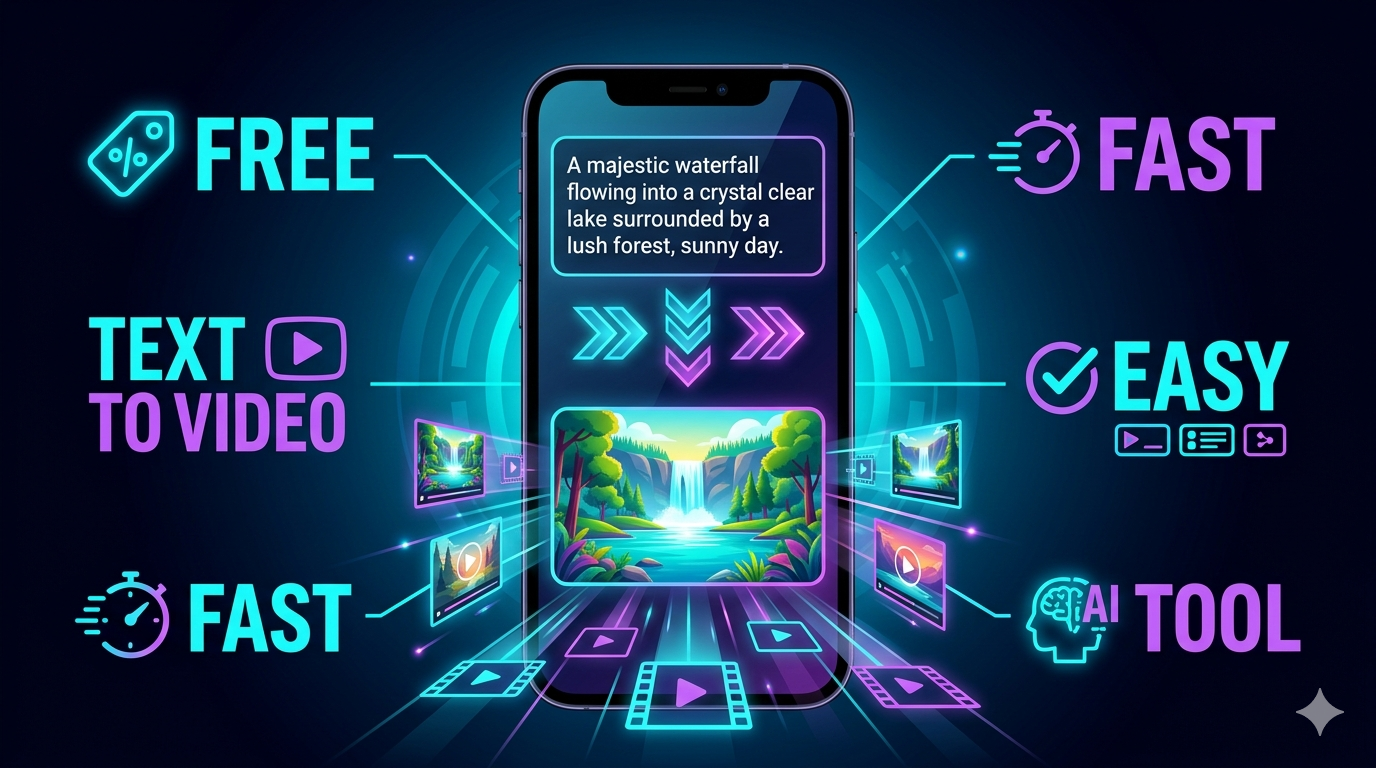
Discover the best AI text-to-video generator free tools in 2026, compare top options, and learn how beginners can choose the right AI video maker for fast, high-quality content.
Introduction
An AI text-to-video generator free tool lets you turn a written prompt, script, or idea into a video without traditional editing skills. That sounds simple, but the quality, limits, watermark rules, and export options vary a lot, so choosing randomly is a waste of time.
If you want to create social videos, product clips, explainers, or short-form content on a budget, free AI video tools can help you test ideas fast. The catch is that “free” usually means limited credits, lower Resolution, slower generation, or platform branding, so you need to pick wisely.
Top Free AI Tools
1. Canva AI Video Generator
Canva offers a text-to-video experience where you can create a video clip from a prompt and then polish it inside the editor. It is useful for beginners because the User Interface is simple and the workflow is familiar to people who already use Canva for design.
2. VEED Text to Video
VEED turns prompts or scripts into videos with visuals, narration, subtitles, and editing controls in one place. It is a strong option if you want a content creation platform instead of a bare-bones generator.
3. Kapwing AI Text to Video
Kapwing positions its tool as a free generator with pro-quality output and faster editing control. That makes it appealing for creators who want to turn a script into a clean social video without starting from scratch.
4. CapCut AI Video Maker
CapCut includes text-to-video, avatars, templates, and automated storyboarding in a free-style video workflow. It is especially practical for short-form content because it is built for speed and social formats.
5. Adobe Firefly Video
Adobe Firefly offers a free AI video generator focused on converting text prompts into video for B-roll and effects. If you care about brand-safe creative tooling, Adobe is a serious contender.
6. invideo AI
Invideo AI generates scripts, clips, subtitles, music, and transitions from a text prompt. It is more of an all-in-one production assistant than a pure generator, which helps if you want a finished draft quickly.
7. Free-Limit Test Tools
Some 2026 roundups also highlight tools like Kling, Pika, Runway, Seedance, and Google-based options for their free limits and output quality, but the real issue is whether those free tiers are actually usable for regular work.
How to Use Claude Effectively: The Ultimate Guide to Mastering AI Assistance
Tool Comparison
How to Choose
Check the output quality
Do not get distracted by “free” and ignore quality. Look at Resolution, frame consistency, motion smoothness, and whether the video looks usable without heavy fixing.
Match the tool to your use case
If you want short reels, pick a fast social-first tool. If you want explainers or marketing videos, pick a tool that supports script generation, subtitles, and editing.
Review the free limits
A free plan can mean watermarks, small credit buckets, short video length, or slow rendering. Read the actual limits before you commit, because a tool that looks free may be useless after two generations.
Test the prompt handling
A good Prompt should produce something close to what you asked for. If the tool ignores details, overcomplicates scenes, or changes the message, it is weak for serious use.
Look at the User Interface
A messy interface wastes time. Beginners should prioritise simplicity over advanced features, because a powerful tool you cannot use efficiently is still a bad tool.
Future of AI Art
AI video tools are moving toward faster generation, better motion realism, and tighter editing integration. The next phase is not just text to video; it is prompt-to-publish workflows where the tool creates, edits, subtitles, resizes, and localises content in one pass.
That means creators will spend less time assembling clips and more time refining the message. It also means generic output will become more common, so originality will matter more than ever.
Best AI for Coding Free: Top Picks and How to Choose
Conclusion
The best AI text-to-video generator free option depends on your goal, not on hype. For beginners, Canva and CapCut are the easiest entry points; for more complete workflows, VEED, Kapwing, and InVideo AI are stronger choices; and for brand-oriented creative work, Adobe Firefly is worth attention.
Do not chase every free tool you see. Pick one that fits your content type, free limits, and editing needs, then learn it properly instead of constantly switching tools.
Best AI Tools for Small Business 2026: Boost Growth Without Breaking the Bank
How to Build a Podcast with AI Voice Generator
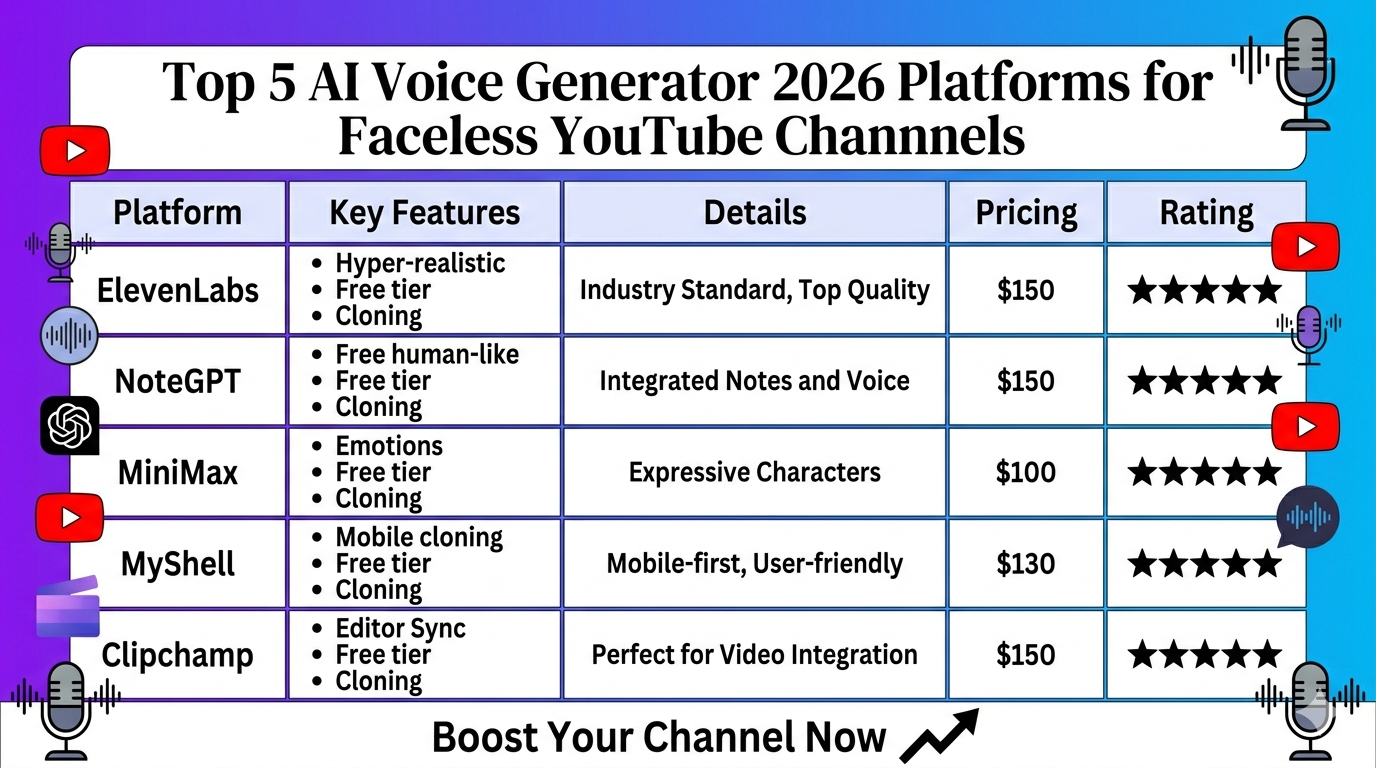
Top 5 AI Voice Generator 2026 Platforms for Faceless YouTube Channels