
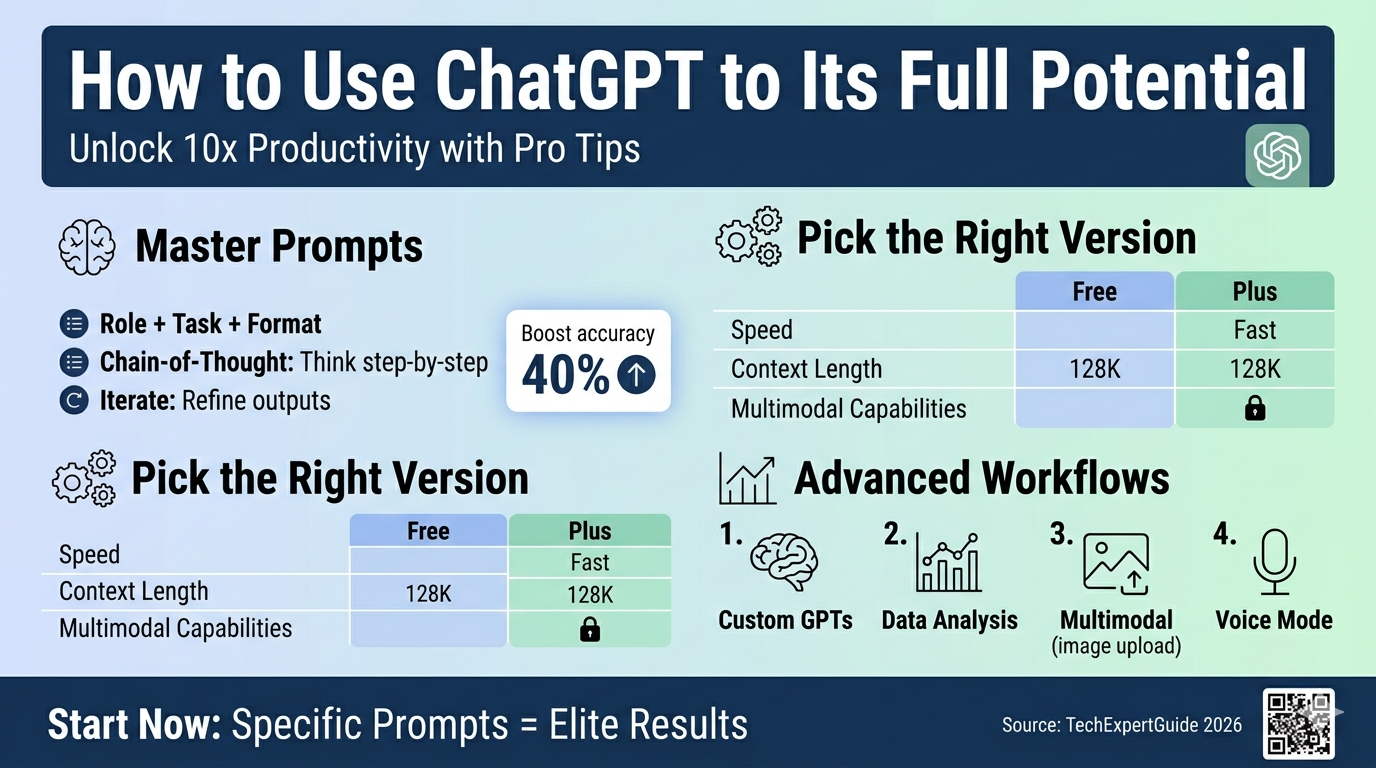
Discover how to use ChatGPT to its full potential with expert prompts, custom GPTs, and advanced tips. Boost productivity 10x—beginner guide inside.
Introduction: Stop Wasting ChatGPT on Basic Queries
Imagine typing “write an email” into ChatGPT and getting generic slop. That’s how 90% of users treat it—like a lazy intern. To how to use ChatGPT full potential, shift to strategic prompting, custom workflows, and iteration. This isn’t magic; it’s engineering conversations with an AI that rivals experts in coding, writing, and analysis. Beginners fumble with vague inputs; pros craft prompts like code. By the end, you’ll extract outputs 10x better than average. Ready to level up?
Why Most People Fail at ChatGPT (And How to Fix It)
Your blind spot: treating ChatGPT like Google. It’s a reasoning engine, not a search bar. Weak prompts yield weak results. How to use ChatGPT full potential starts with understanding its limits—no real-time data post-2023 (use plugins or browsing for that), hallucinations on facts, and bias toward verbose answers.
Master Prompt Engineering: The Core Skill
Prompts are your lever. Bad: “Explain quantum physics.” Good: “Explain quantum superposition to a 15-year-old using a pizza analogy, in 200 words.”
-
Be specific: Include role, task, format, and constraints. Example: “Act as a venture capitalist. Critique this startup pitch [paste pitch]. Rate 1-10 on market fit, scalability, and team. Suggest 3 improvements.”
-
Use chain-of-thought: Add “Think step-by-step” to force reasoning. Boosts accuracy 30-50% on math/logic.
-
Iterate ruthlessly: Follow up with “Expand on point 2” or “Make it shorter and punchier.” ChatGPT remembers context in threads.
-
Temperature and max tokens: In API/custom GPTs, set temperature 0.2 for factual, 0.8 for creative. Limit tokens to focus output.
Pro tip: Copy-paste winning prompts into a Notion template. Test variations—A/B your own AI interactions.
Dominate Your Workflow: The Best 7 AI Text Generators for 2026

Choosing the Right ChatGPT Version: Beginners’ Guide
Overwhelmed by ChatGPT-4o, Plus, Free? Your assumption: “Free is fine.” Wrong—free caps at GPT-3.5, which hallucinates more and lacks image/genius modes. How to use ChatGPT to its full potential demands the right tool.
Free vs. Paid: Hard Truths
Pick Plus if: You code, analyse data, or create daily. Skip if casual. Enterprise? Teams for compliance.
Set up for Maximum Power
-
Sign up at chat.openai.com.
-
Enable plugins (if available) or GPT Store.
-
Use the desktop app for multitasking—pin chats, search history.
-
Integrate via API: Zapier for workflows (e.g., ChatGPT → Google Sheets).
Blind spot exposed: Ignoring the mobile app’s voice mode. Dictate prompts hands-free for 2x speed.
AI Marketing Tools for Small Businesses: Skyrocket Growth in 2026 Without Breaking the Bank
Advanced ChatGPT Tips: From Good to God-Tier
How to use ChatGPT to its full potential isn’t beginner hacks—it’s system-level plays. Most skip these, stuck at 10% efficiency.

Custom GPTs: Build Your AI Army
Create tailored bots in Plus:
-
Coding GPT: “You are a senior Python dev. Debug code, suggest optimisations.”
-
Content Machine: “SEO writer for tech blogs. Optimise for [keyword], 1000 words, H2/H3.”
-
Share via link—monetise on GPT Store.
Example prompt to build one: “Create a custom GPT for recipe generation: Input ingredients, output vegan/keto options with macros.”
Data Analysis and Plugins
Upload CSVs: “Analyse this sales data [upload]. Plot trends, predict Q4 revenue using regression.”
-
Advanced Data Interpreter (4o): Handles Python/R visuals automatically.
-
Browsing: “Search latest on [topic]” for real-time facts.
-
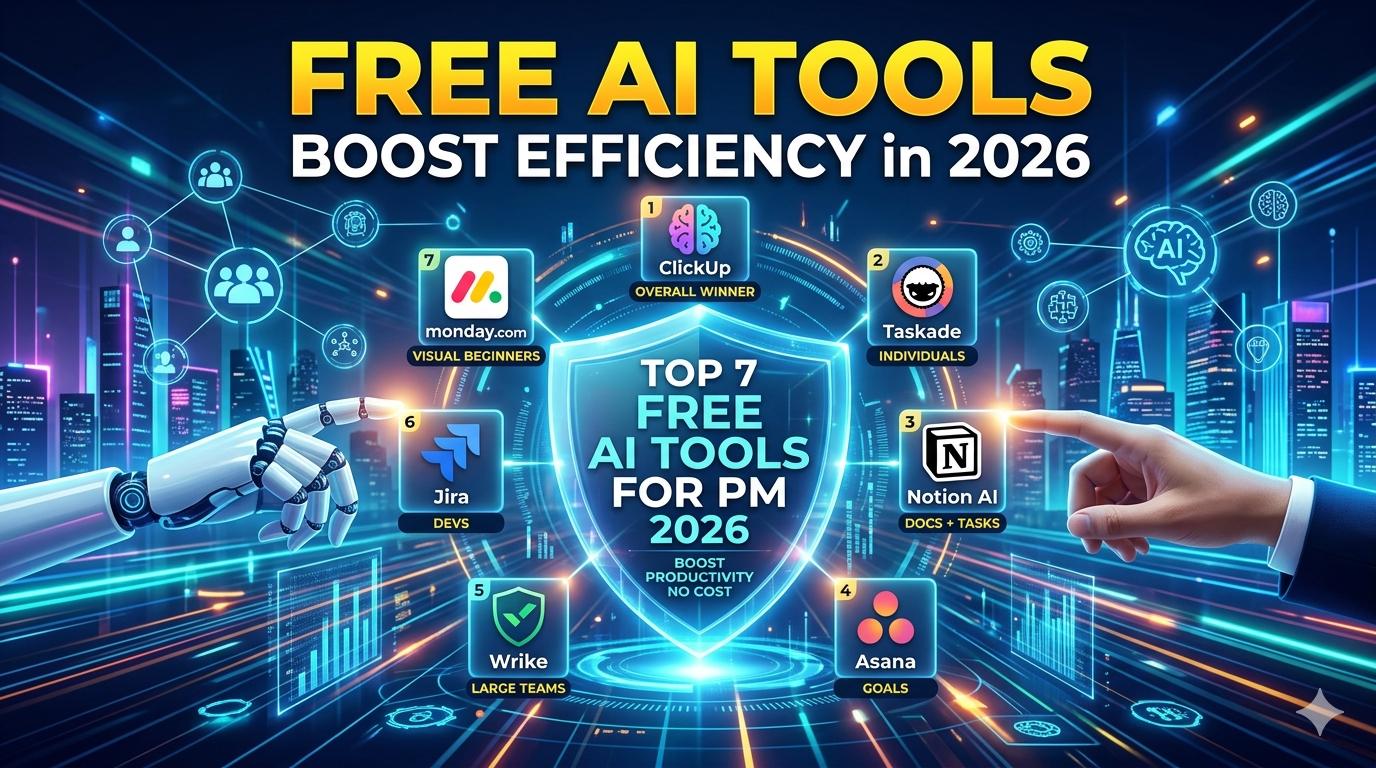
Free AI Tools for Project Management: Boost Efficiency in 2026
Multimodal Mastery
-
Images: “Describe this photo [upload] for a blog post.” Or generate: “DALL-E, cyberpunk city, 4K.”
-
Voice: Converse like Siri on steroids—brainstorm aloud.
How to use ChatGPT full potential with files: Chunk large PDFs (“Summarise sections 1-3”), then query.
Real-World Workflows: Apply It or Fail
Theory bores. Here are advanced ChatGPT tips in action:
-
Writing/Editing: “Rewrite this article for Forbes tone: concise, data-driven.” Then: “SEO optimise with LSI for ‘how to use ChatGPT full potential’.”
-
Coding: “Write a React component for a todo app. Include tests, Tailwind CSS.”
-
Business: “Generate 10 LinkedIn posts from this case study [paste]. Vary formats: carousel, poll.”
-
Learning: “Teach me SQL via interactive quiz. Start as a beginner.”
Pitfall: No fact-checking. Cross-verify outputs with Perplexity or Google.
New AI Tool Launched by Google: What It Means and the Best AI Art Tools to Know
The Future of AI: Beyond ChatGPT
Your structure demanded this—fine, but bluntly: AI art (DALL-E/Midjourney) is a sideshow. Future of AI is agentic systems—ChatGPT orchestrating tools (e.g., o1-preview reasons like a human). Expect multi-agent teams by 2027: one researcher, one writes, one edits. Multimodal explodes—video gen, real-time collab. But how to use ChatGPT full potential today prepares you: master prompts now, dominate tomorrow. Ignore hype; build skills.
Conclusion: Your Action Plan
How to use ChatGPT full potential boils down to this: specific prompts + iteration + right tools = elite output. Ditch vague queries. Start with Plus, build 3 custom GPTs this week, and A/B 10 prompts daily. Track ROI—time saved, quality up. If you’re not 5x-ing productivity in a month, you’re doing it wrong. Implement or stay average.